The Christian Parent's Starter Guide to Safer Gaming
A calm, practical framework for choosing games, setting boundaries, and keeping play connected to family life.


- Parent discipleship
- Family stewardship
- Wise technology boundaries
Video games are now part of ordinary family life. Your child may play Minecraft with cousins, Roblox with school friends, Fortnite with a church youth group, Mario Kart on the couch, or a cozy farming game alone after homework. The question is no longer whether gaming will touch the home. It already has.
The better question is this: how do we help our children play with wisdom?
Christian parents do not need panic, and they do not need to surrender the room to whatever the console, store page, or friend group recommends next. You need a repeatable way to look at a game, understand the real risks, name the good, set boundaries, and keep conversation open.
This guide is Crosspad's starting framework. Use it before buying a game, before saying yes to online play, and before turning gaming into a constant fight.
The three questions that matter most
Every game decision can start with three questions:
What does this game ask my child to practice?
Who can reach my child while they play?
What habits does this game build around time, money, attention, and desire?
Those questions get closer to the heart of the issue than a simple yes or no. A cartoon game can still have open chat, manipulative spending loops, or ugly community behavior. A game with fantasy violence may be fine for a mature teen who plays with friends in a healthy way. A rating helps, but it does not replace parental judgment.
The ESRB ratings guide is the best first stop in the United States because it explains three separate pieces of information: age rating categories, content descriptors, and interactive elements. Parents should read all three. The letter rating tells you the broad age target. The descriptors tell you what kind of content pushed the rating. The interactive elements warn about online interaction, in-game purchases, user-generated content, or location sharing.
That last piece matters more than many parents realize.
Ratings are the front door, not the whole house
A rating is useful because it gives you a quick warning label. It is limited because children do not experience games as labels. They experience rhythm, reward, chat, identity, pressure, frustration, and habit.
Start with the ESRB rating, then check these areas yourself:
Violence: Is the violence cartoonish, tactical, realistic, cruel, or celebrated?
Language: Is rough speech occasional background noise or part of the game's social world?
Sexual content: Is it absent, suggestive, cosmetic, or built into story and character design?
Occult or spiritual content: Is it fantasy dressing, ritualized power, demonic imagery, or moral confusion?
Gambling mechanics: Does the game push chance-based purchases, loot boxes, card packs, or cosmetic chase loops?
Online safety: Can strangers talk to your child, invite them elsewhere, trade with them, or pressure them?
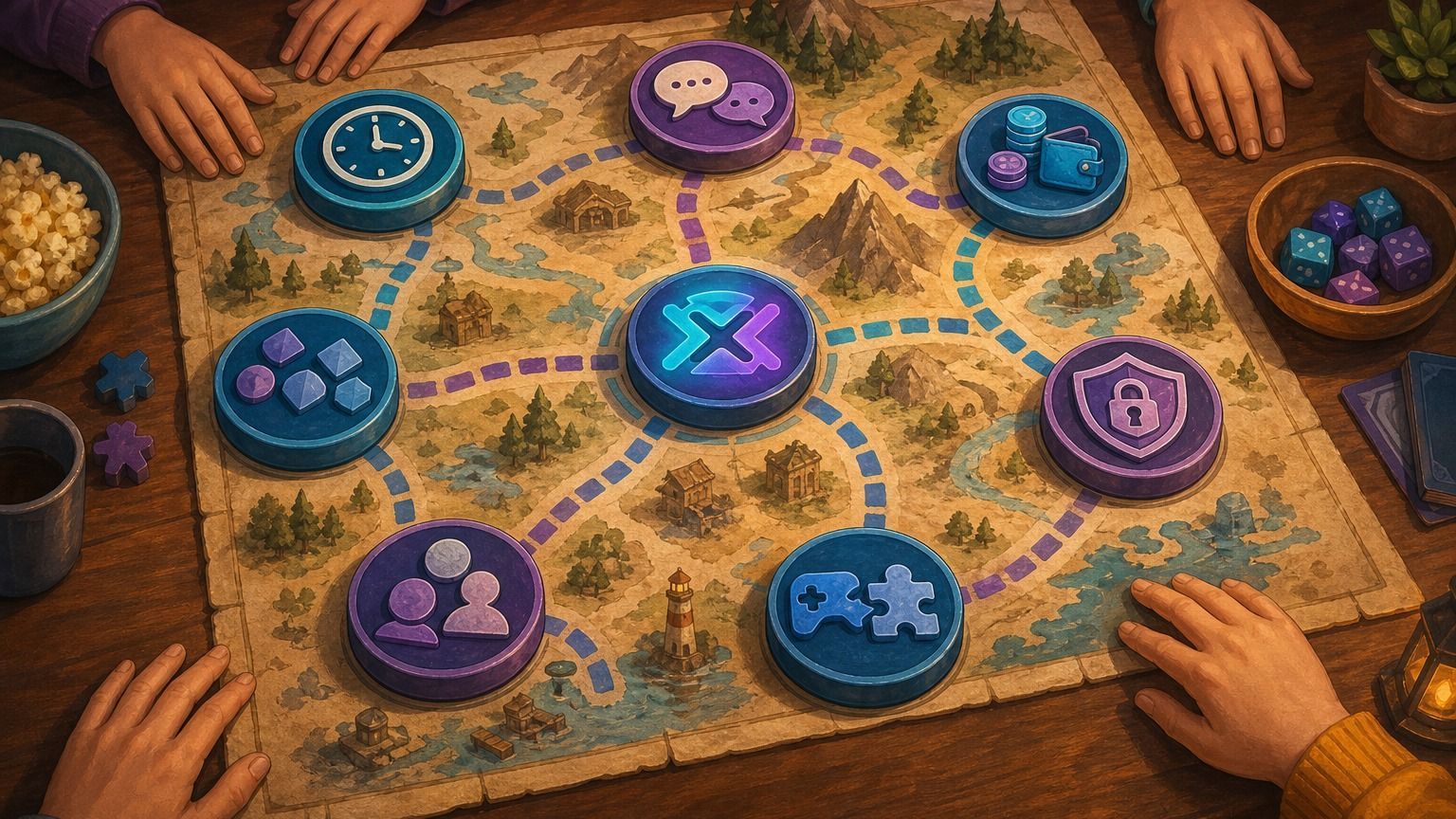
This is why Crosspad uses the Content Compass. We are less interested in sounding severe and more interested in giving parents a map. A game can be visually charming and still unwise for a specific child. Another game can look intense and still be manageable in the right setting.
The goal is discernment.
Online play changes the risk profile
A single-player game and an online game are different parenting decisions.
Online play adds voice chat, text chat, friend requests, private messages, user-created rooms, user-generated content, trading systems, team pressure, and sometimes adult strangers. The game itself may be mild while the social layer is not.
NCMEC's NetSmartz resources are built around online safety education for families. The practical lesson for gaming is simple: parents should know where conversation happens, who can contact the child, whether messages can move to another app, and how reporting works.
Make one rule plain before online play begins: no real names, school names, home towns, photos, passwords, private contact information, or moving a conversation to another app without a parent knowing. If a child receives sexual messages, requests for images, threats, blackmail, or pressure to move off-platform, do not treat it as ordinary misbehavior. Preserve evidence, block/report inside the platform, and use NCMEC's CyberTipline when exploitation or enticement may be involved.
For family decisions, separate online features into three levels:
Closed play: local multiplayer, couch co-op, or private play with known family and friends.
Managed online play: online features enabled with parental controls, known friend lists, and no open voice with strangers.
Open online play: matchmaking, public chat, user-created spaces, private messaging, or trading with unknown players.
Younger children should live mostly in the first category. Preteens may be ready for managed online play with clear supervision. Teens may earn wider access, but that access should stay tied to maturity, honesty, and how they handle conflict.
A child who rages, hides messages, lies about time, or becomes cruel in chat is giving you information. Treat that as a formation issue, not only a rule issue.
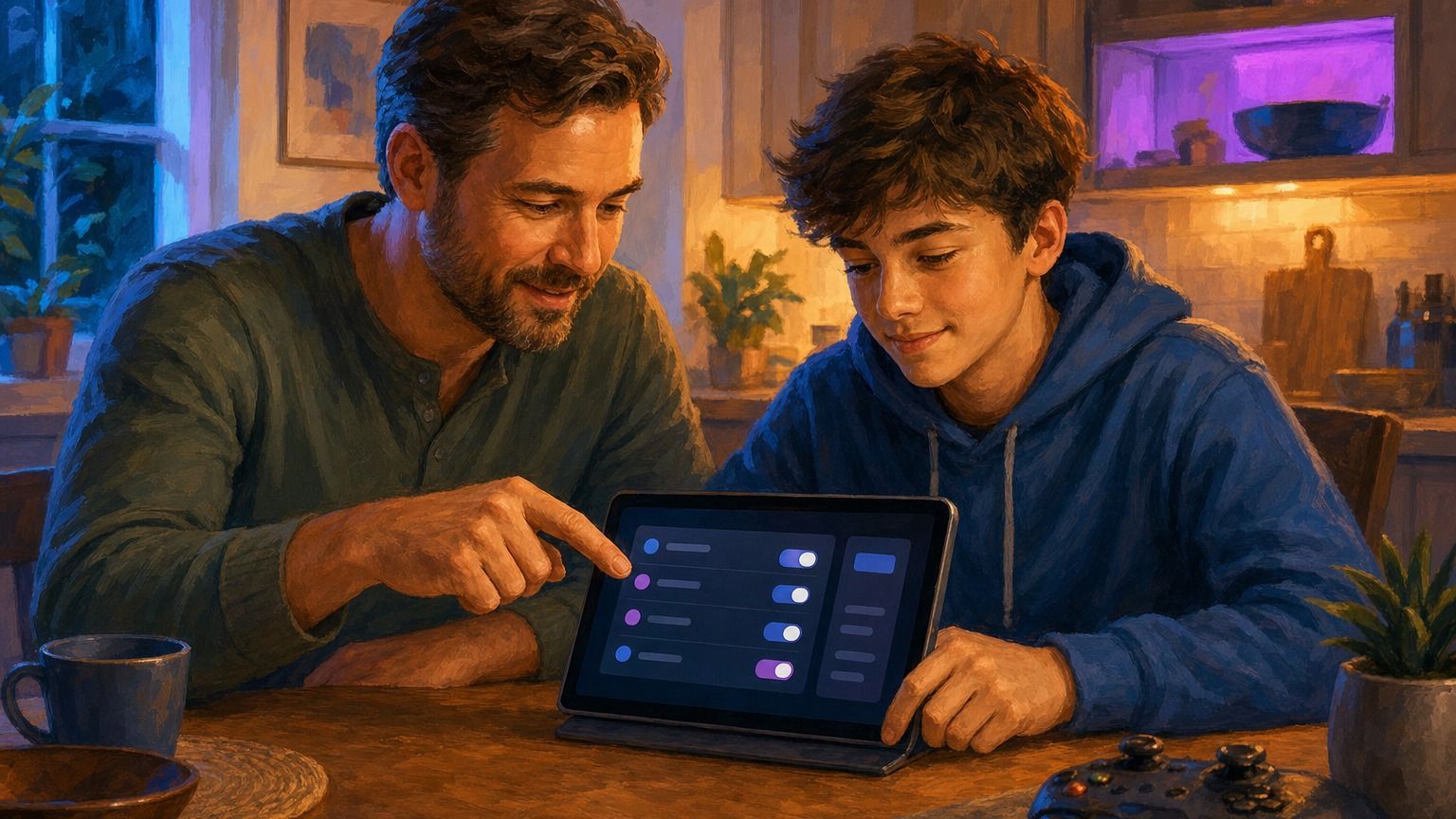
Set controls before the first session
Parental controls work best before a game becomes a daily habit. Set them after the conflict starts and they feel like punishment. Set them early and they become the normal fence around play.
The ESRB parental controls guide summarizes the main categories well: parents can block games by rating, control spending, limit play time, and restrict online communication.
Use platform controls as the baseline:
Nintendo Switch Parental Controls can manage play time, game access, and online features through the app.
PlayStation family controls can set age levels, playtime, communication limits, and spending limits.
Xbox privacy and online safety settings can manage privacy, multiplayer, communication, and content access.
Epic Games parental controls can manage voice and text chat, purchases, social permissions, and account settings.
Roblox safety resources explain moderation, privacy, parental controls, and reporting systems for one of the most important child-facing platforms.
Use a child account when the platform supports it, not a parent's unrestricted profile. Be honest about age settings. The FTC's guide to protecting a child's privacy online explains why children's personal information needs special care, and many game services use account age to apply safety defaults, content limits, and parent approval flows.
Do not treat these as a substitute for being present. Treat them as the locked gate around the yard. Your child still needs a parent in the house.
Money mechanics deserve their own rule
Many modern games are built around ongoing spending. Some are fair about it. Others keep children close to the store by using scarcity, cosmetics, battle passes, card packs, upgrades, rotating shops, daily rewards, and social pressure.
The FTC's loot box workshop staff perspective is a useful reminder that in-game chance purchases have attracted real consumer-protection attention. Parents do not need to know every regulatory detail to act wisely. You simply need a home rule before the store opens.
The FTC's Fortnite actions against Epic Games are an even clearer warning sign for families. In 2022, the FTC announced more than half a billion dollars in relief over allegations involving privacy defaults and billing practices; in 2023, the FTC finalized a $245 million order tied to alleged dark patterns and unwanted purchases. The point is not "Fortnite bad." The point is that popular, free-to-play games can mix social pressure, confusing interfaces, child accounts, and real money in ways parents should set boundaries around before the first purchase prompt appears.
Here is a clean default:
No payment method saved on a child's account without a parent-controlled PIN.
No purchases without asking first.
No buying currency on the same day a child is upset, embarrassed, or pressured by friends.
No mystery purchases, chance boxes, or card-pack spending without parent review.
Any recurring subscription gets written down where the parent can see it.
If a child cannot enjoy the game without constant purchases, that is a strike against the game. If the game makes a child feel left out unless money is spent, that is a family conversation. If the game hides the real cost behind fictional currency, slow down.
Christians should be especially alert to games that train discontent. Wanting a skin is not a moral crisis. A loop that constantly tells a child, "You are behind unless you buy," deserves attention.
Screen time is really life-shape time
Parents often ask for the correct number of gaming hours. A number can help, but it is not the whole answer. Two hours after chores, sleep, worship, schoolwork, outdoor play, family meals, and real friendships is different from two hours that displaces all of those things.
The American Academy of Pediatrics encourages families to make a family media plan. That is the right category. The goal is not a magic timer. The goal is a shared plan that protects the things your family says matter.
Build the plan around anchors:
Sleep comes first.
Schoolwork and chores come before leisure play.
Meals stay screen-free unless the family intentionally chooses otherwise.
Church, worship, service, and family commitments do not get squeezed out by events or battle passes.
Gaming should not replace embodied friendship, outdoor movement, reading, making, or rest.
A useful family rule is the Gaming Window. Pick a normal window when gaming is allowed, then make exceptions visible. For example: weekdays after homework until dinner, weekends after morning responsibilities, no screens in bedrooms overnight, and no online play after a set hour.
That is easier to enforce than negotiating every single day.
Co-play is the fastest research method
You do not need to become an expert in every game. You do need to see what your child is seeing.
Play one round. Watch one match. Sit nearby for twenty minutes. Ask your child to explain the goal, the store, the chat, the rare items, the community jokes, the thing everyone wants, and the part that annoys them.
Good questions open doors:
What do players get praised for in this game?
What makes people angry here?
Can strangers talk to you?
What do people spend money on?
What happens if you stop playing for a week?
Which part feels fun, and which part feels stressful?
Do you feel more patient or more irritable after playing?
That last question may tell you more than the box art.
Co-play also keeps gaming from becoming a hidden world. Children often receive correction better when parents first show interest. A parent who only appears to ban, scold, or unplug becomes part of the child's resistance. A parent who has watched, listened, and played has earned more trust.
Use age bands as wisdom categories
Every child develops differently, but these bands are a useful starting place.
Ages 5 to 8
Keep play simple, local, and visible. Favor couch co-op, creative play, simple puzzles, racing games, sports games, gentle adventure games, and board-game-style digital play. Avoid open chat, public servers, competitive pressure, user-generated chaos, and stores with attractive paid items.
The key question: can my child stop without a meltdown?
Ages 9 to 12
This is where friend pressure grows. Children may ask for Roblox, Fortnite, Minecraft servers, Discord, team shooters, survival games, and games popular with older siblings. Managed online play can make sense, but the friend list should be intentional and chat should be limited.
The key question: do they tell the truth about what happens online?
Ages 13 to 16
Teens need increasing responsibility, but responsibility must be connected to character. This is the stage for fuller conversations about anger, lust, cruelty, gambling mechanics, online identity, privacy, and money. Do not only ask whether a game is allowed. Ask what kind of person the game encourages them to become while playing.
The key question: does access produce maturity or secrecy?
Teen and adult
Older teens may play games with heavier themes. That can be acceptable when the player can name the moral frame, reject what should be rejected, and keep play in its place. If a game normalizes contempt, obsession, exploitation, or sexualized attention, maturity means having the freedom to walk away.
The key question: can they discern without being discipled by the game?
Red flags that deserve a pause
You do not need to overreact to every concern. Some concerns call for a pause before the next session.
Pause when you see:
Secret accounts, hidden chats, or deleted messages.
Sudden pressure to spend money or buy currency.
Anger that spills into the home after play stops.
Public chat with strangers when the child is not ready.
Sleep loss tied to events, streaks, seasons, or late-night friends.
Sexualized avatars, roleplay spaces, or social pressure around appearance.
Games where humiliation, cruelty, or domination become the main joke.
A child who cannot talk calmly about limits.
A pause is not a permanent ban. It is a chance to understand what is happening before the habit deepens.
Green flags that deserve encouragement
Gaming is not only risk. Many games encourage patience, teamwork, planning, creativity, reading, problem solving, spatial reasoning, music, art, humor, and shared memories.
Encourage games that:
Invite local co-op or family play.
Reward creativity over constant consumption.
Let children build, solve, explore, or tell stories.
Have clear stopping points.
Work without open chat.
Avoid manipulative spending pressure.
Give parents understandable settings.
Make your child more curious, generous, patient, or connected after play.
The goal is not to make the house anti-game. The goal is to make gaming serve the household instead of ruling it.
A simple family gaming covenant
If your family needs a starting agreement, use this and adjust it for your home.
We ask before downloading or buying a new game.
We check the rating, descriptors, online features, and store mechanics before playing.
We keep accounts, passwords, and payment settings parent-managed.
We do not use open voice or private chat with strangers without permission.
We do not hide messages, accounts, purchases, or play time.
We stop when the agreed time is over.
We speak to people online with the same dignity expected in person.
We can pause any game that is harming sleep, school, worship, obedience, honesty, or family peace.
We will look for games that help us enjoy one another, not escape one another.
That last line is the heart of the matter.
The Crosspad method for deciding yes, no, or wait
When a child asks for a game, walk through this order:
1. Check the ESRB rating, content descriptors, and interactive elements.
2. Search the game's official site, store page, and parent controls if available.
3. Check whether the game uses open chat, private messages, user-generated content, or trading.
4. Check whether it uses in-game purchases, battle passes, card packs, loot boxes, or rotating shops.
5. Watch real gameplay for ten minutes, preferably from a reliable source.
6. Ask your child why they want it and who they plan to play with.
7. Decide yes, no, or wait.
"Wait" is underrated. It gives a child time to mature. It gives parents time to learn. It keeps the conversation open without handing over access before wisdom catches up.
Final word for parents
You are not trying to win an argument against gaming. You are trying to shepherd a child through a medium that can be creative, social, beautiful, manipulative, crude, generous, addictive, funny, and formative, sometimes in the same week.
That calls for steadiness.
Start with ratings. Turn on controls. Watch the social layer. Guard spending. Build a media plan. Play with your child. Keep the conversation open. Praise what is good. Name what is harmful. Hold the line when you need to.
Gaming can become a battleground. It can also become a table where your family learns patience, laughter, courage, self-control, and honest conversation.
Choose the second path on purpose.
Sources used for this guide
American Academy of Pediatrics: How to Make a Family Media Plan
FTC Staff Perspective Paper on Loot Box Workshop
FTC: Protecting Your Child's Privacy Online
FTC: Fortnite maker Epic Games settlement announcement
FTC: Epic Games final order on unwanted purchases
Common Sense Media: Parents' Ultimate Guide to Parental Controls
Nintendo Switch Parental Controls
PlayStation Family and Parental Controls
Xbox Privacy and Online Safety Settings
Roblox Safety Tools and Policies
Continue exploring Family coverage from Crosspad Gaming.